
Quote the event. Invoice the customer.
Manage the business behind office lunches, events and catering orders. Keep your menu, quotations, invoices and supplier bills together.
Start freeNo credit card. No time limit on the free plan.
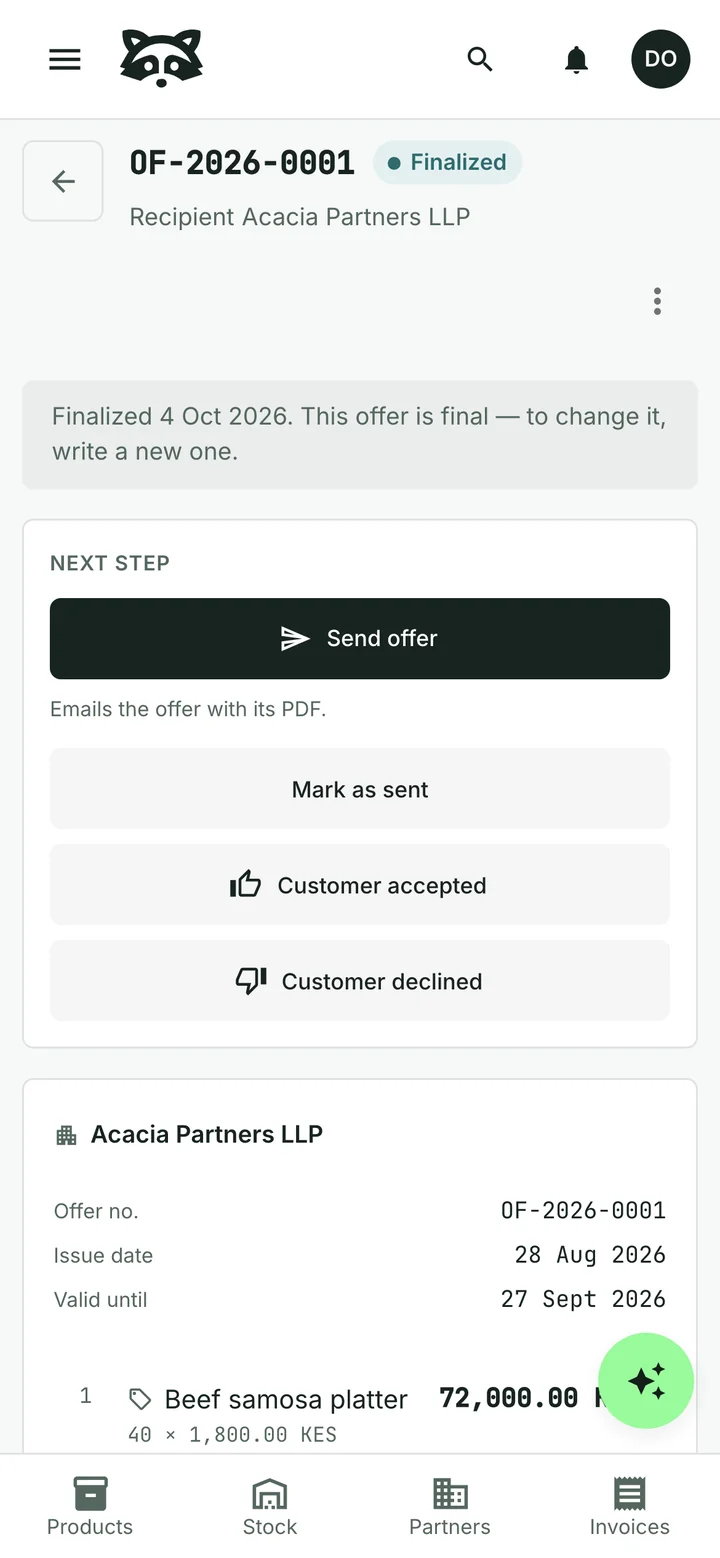
Turn an agreed order into an invoice
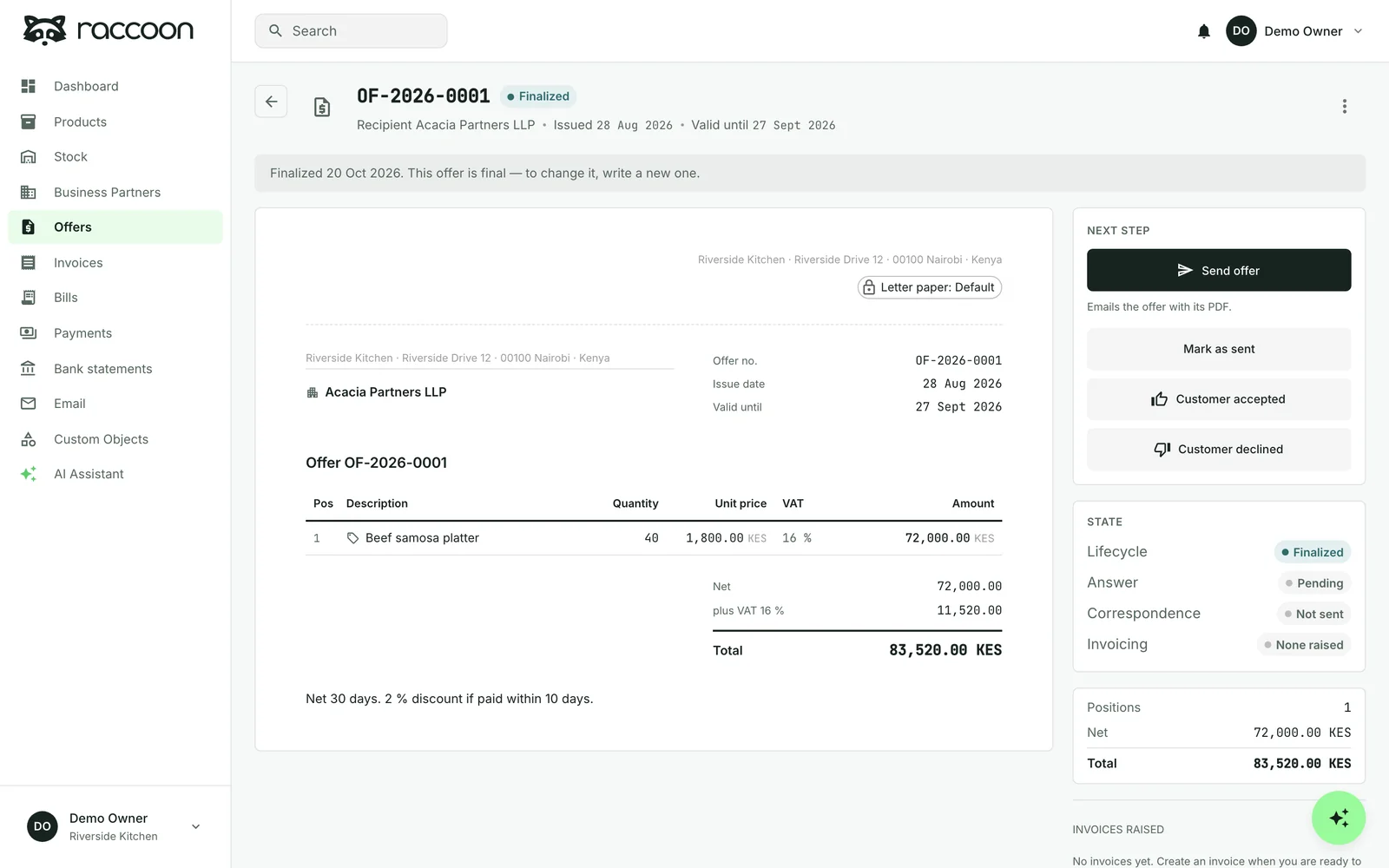
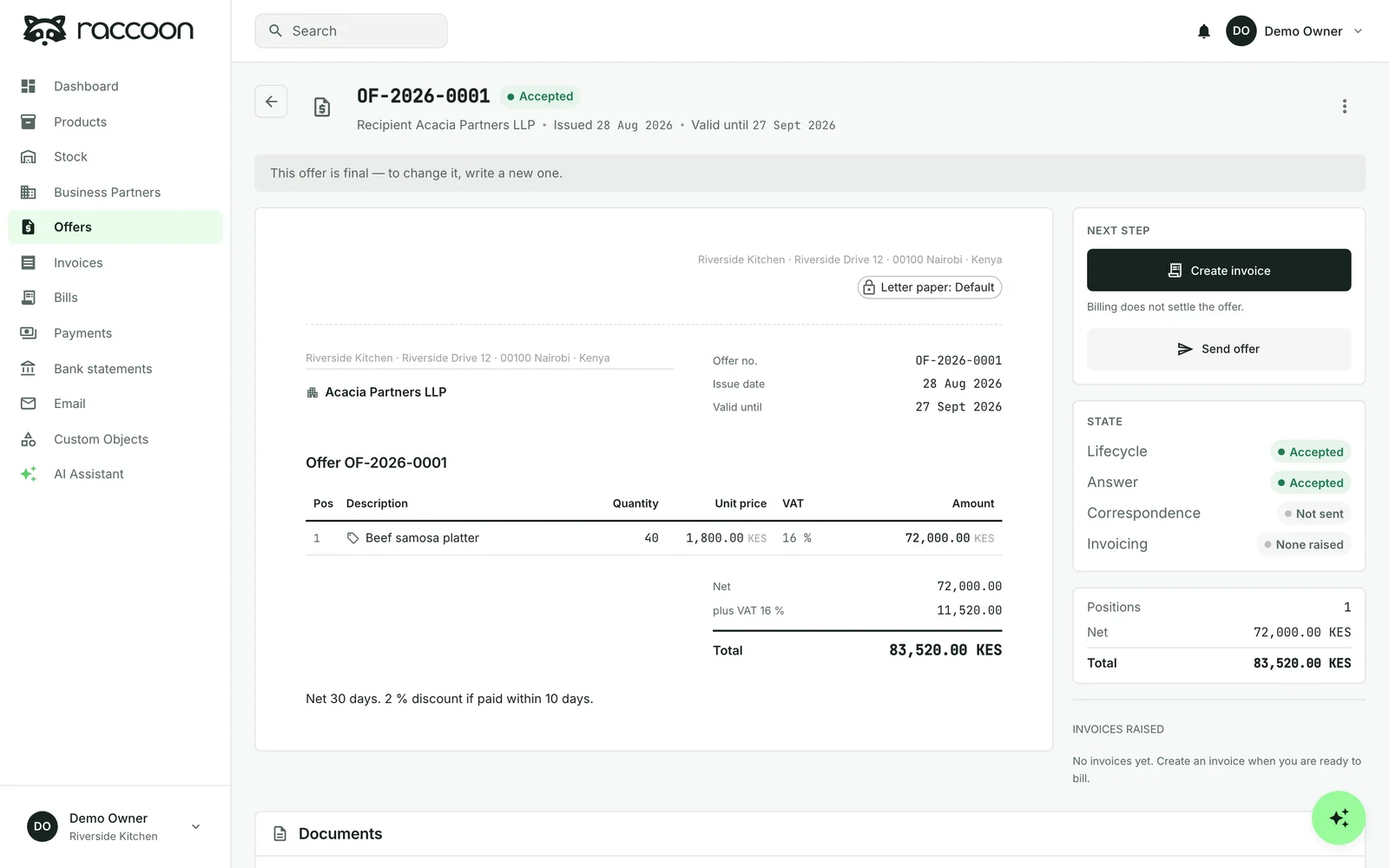
Record that the customer accepted, then create an invoice for the items you are ready to bill. A quotation can lead to more than one invoice.
Keep track of payments and the balance still due. The assistant can draft reminders for overdue invoices. You approve them before they are sent.
See how quotations become invoices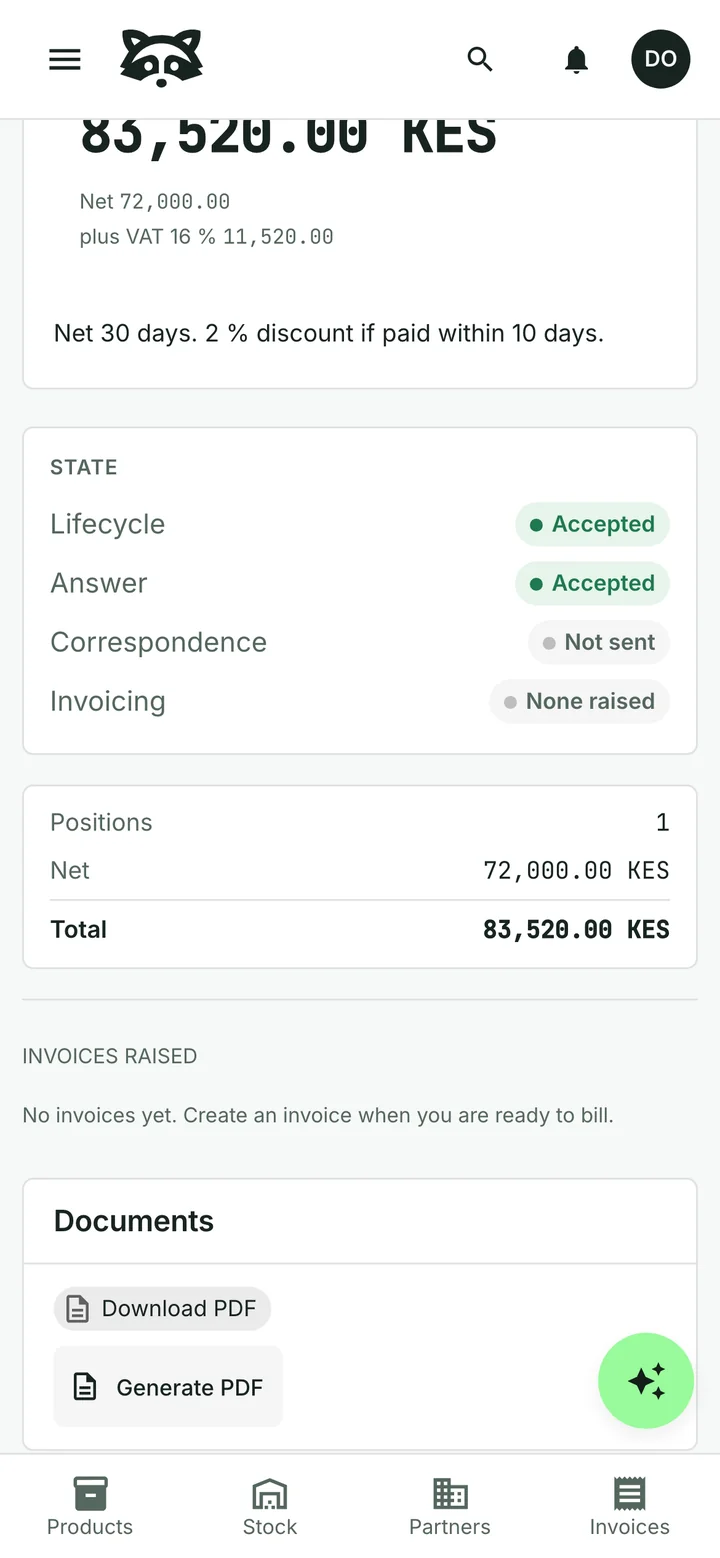

Check supplier bills without retyping them
Upload or photograph a supplier invoice. The assistant reads the details so you can check the bill and record what you pay.
See supplier-invoice reviewCommon questions
Do I still need a till?
Yes, for orders paid at the table or counter. Raccoon is for quotations, invoices to named customers and the records behind them; it does not provide a restaurant point-of-sale system.
Does it calculate the ingredients used by a dish?
No. Recipe costing and automatic ingredient consumption are not included. Stock records cover the products and locations you choose to track.
Can I email the quotation and invoice?
Yes. Review the email before sending. Replies to your Raccoon address stay with the document in the shared inbox.
Can I start for free?
Yes. The free plan has no time limit and needs no credit card. Paid plans are billed monthly, with prices and limits shown for your country.
See plans and pricingTry it with your business
Start with a customer, a product or a supplier bill. The assistant can help you from there.