
Tell Raccoon what you need
Ask for an invoice, find customers who have not paid or get help with a supplier bill. The assistant works with your business records and asks before making changes.
Start freeNo credit card. No time limit on the free plan.
What would you like to prepare?
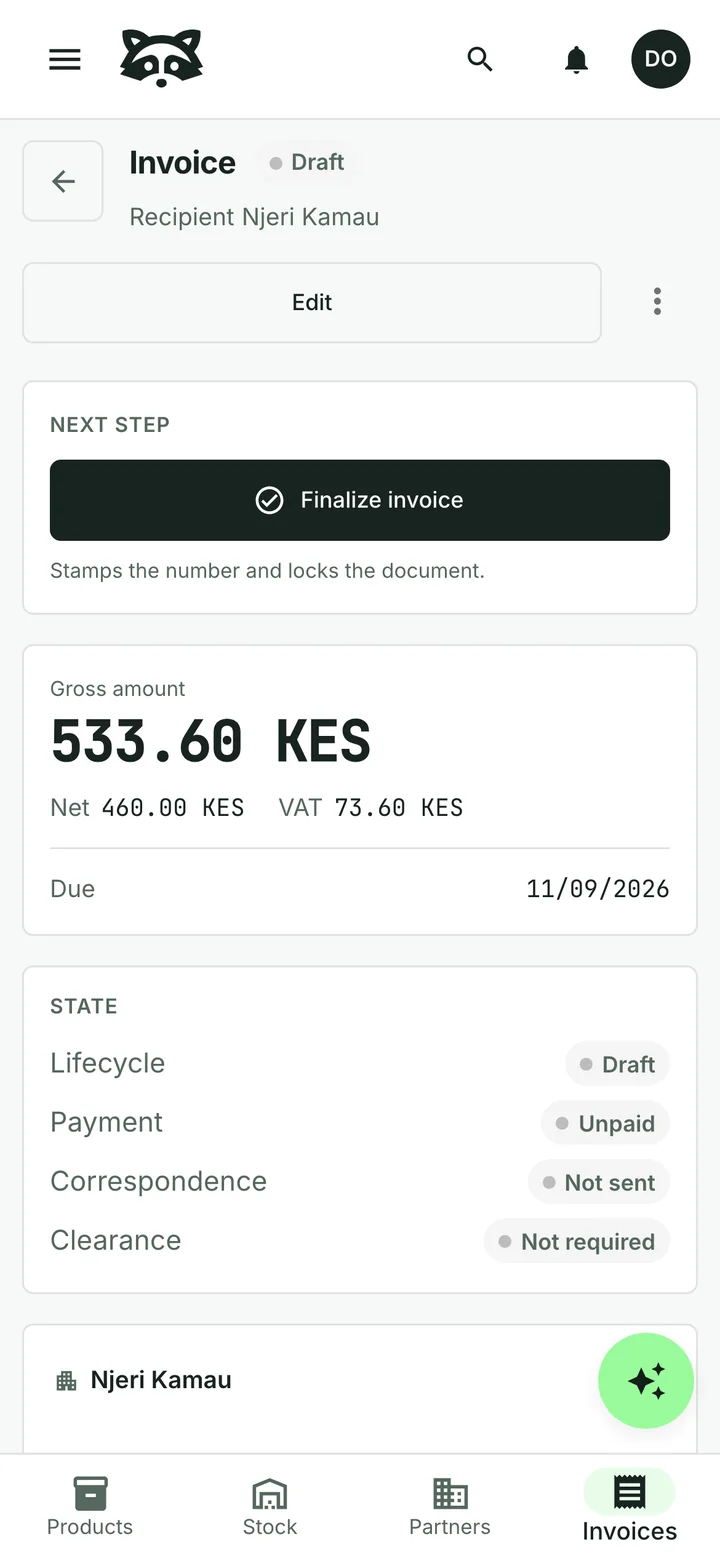
“Please invoice Njeri Kamau for 23 mandazi.”
Ask in your own words. The assistant finds the customer and catalogue items, then proposes an invoice for you to review.
You can also ask it to prepare a quotation or update a product price. Check the proposed changes before approving them.
Who still owes you money?
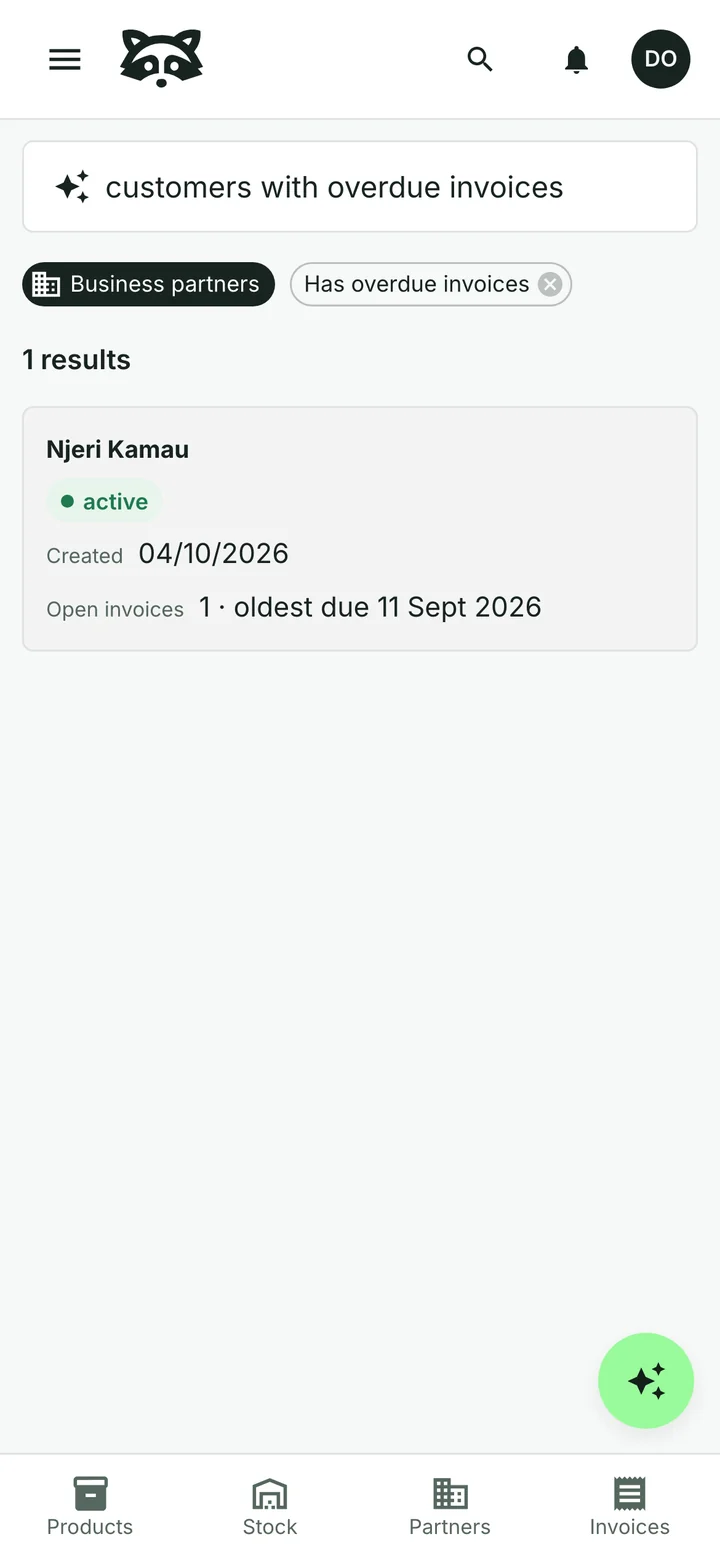
“Show me customers with overdue invoices.”
Search in plain words. Raccoon turns your request into filters you can see and adjust, then shows the matching records.
For overdue invoices, the assistant can prepare reminders. You review and approve them before they are sent.
Can it help with supplier paperwork?
Upload a supplier invoice or a photo. The assistant reads the details and flags points to check. You compare them with the original, make corrections and decide whether to approve the bill.
See how supplier bills work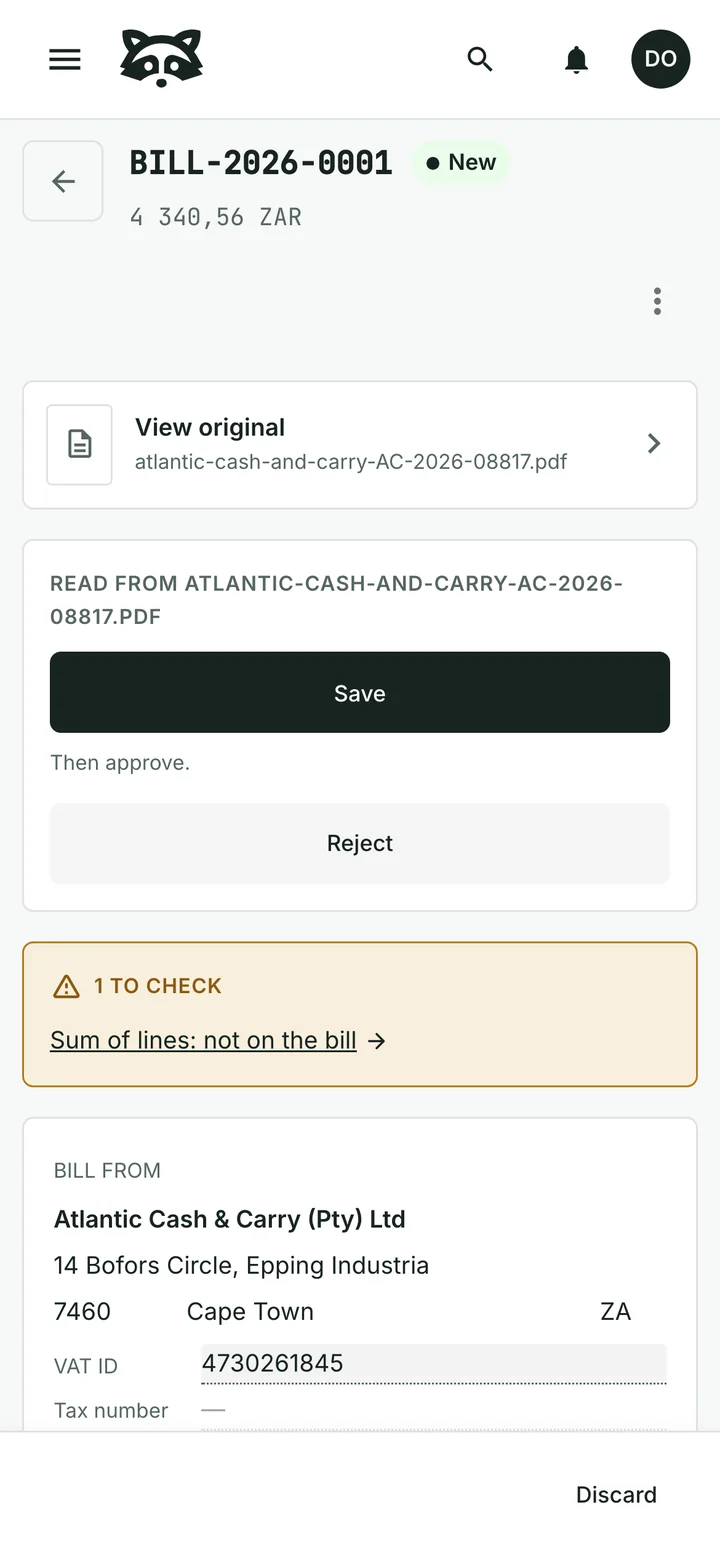
Where do the customer’s replies go?
Send quotations and invoices with an email you can review and edit. Replies to your Raccoon address appear in the shared inbox, linked to the document.
Your team can return to the conversation without searching a separate mailbox.
Common questions
Does the assistant make changes without asking?
The assistant proposes changes for your approval. You can review or dismiss them before they are carried out.
Can I work without using the assistant?
Yes. You can use the product pages and forms directly. The assistant is there when it helps with the task.
Can it approve a supplier bill?
No. Supplier-bill approval is a decision for a person. The assistant helps read and prepare the information for review.
Can other software work with my records?
Yes. Raccoon has a REST API. An administrator creates an API key in the settings, and your other software uses it to read and change records.
Read the API referenceWhere can I read about data handling?
The privacy policy explains how Raccoon stores and processes your business data, including what is sent to the AI provider.
Read the privacy policyCan I start for free?
Yes. The free plan has no time limit and needs no credit card. Paid plans are billed monthly, with prices and limits shown for your country.
See plans and pricingTry it with your business
Start with a customer, a product or a supplier bill. The assistant can help you from there.