
Send the invoice. See who still owes you.
Edit your invoice in a document-style layout, send it by email and keep every customer's details and open balance in one place. Or ask the assistant to draft it for you.
Start freeNo credit card. No time limit on the free plan.
Products and services on one invoice
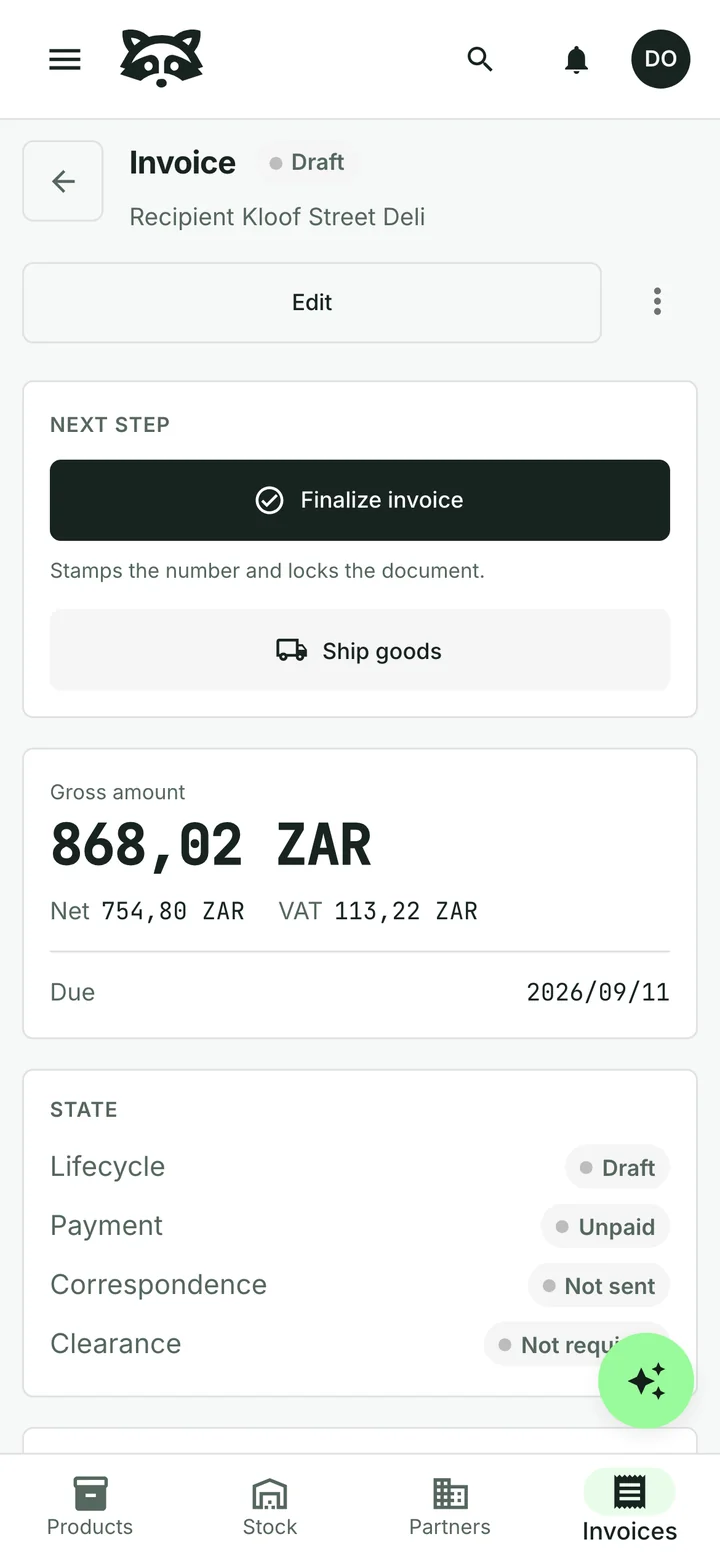
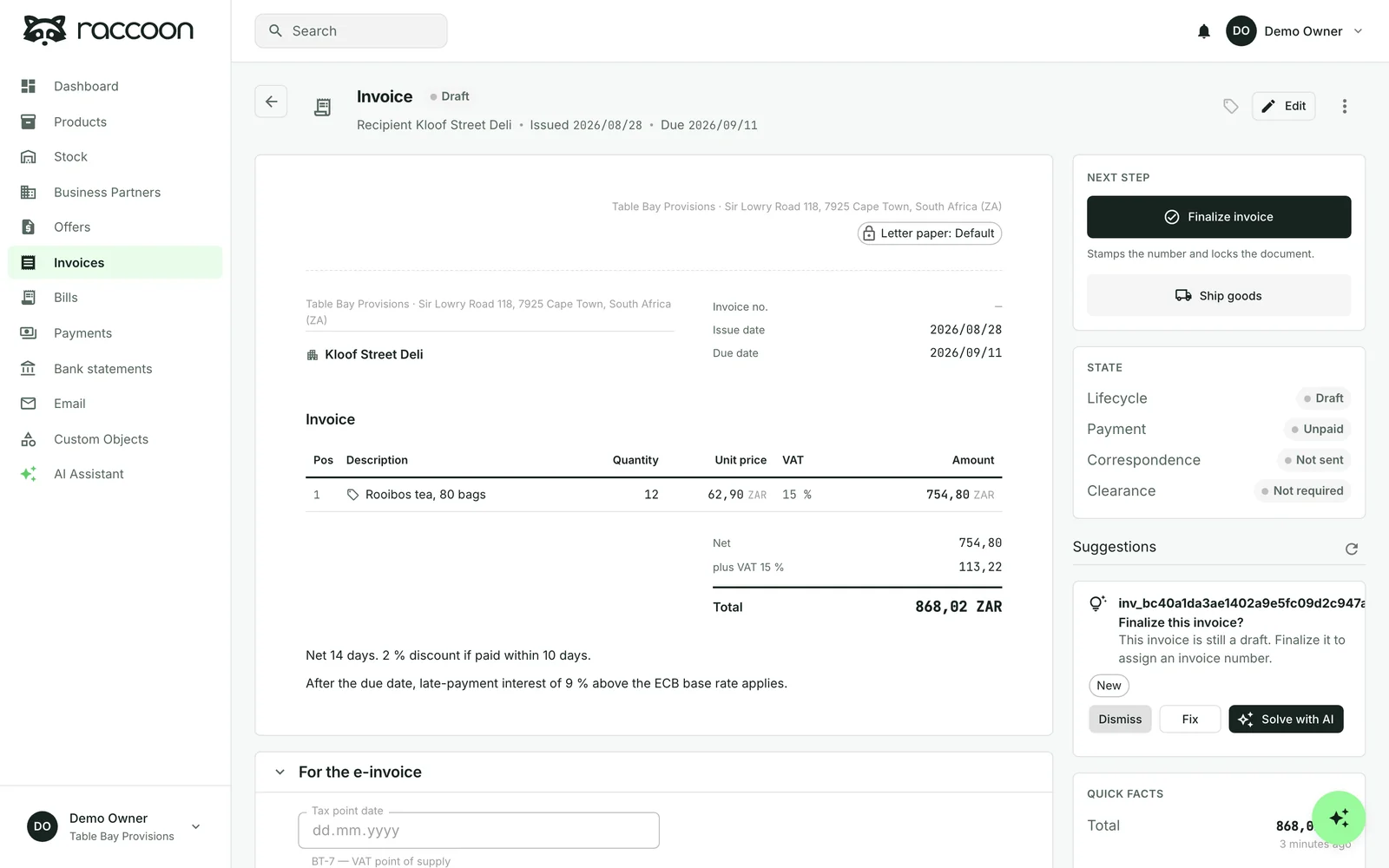
Edit the address, dates, items and totals in a document-style layout. Pick items from your product list or type a new line straight into the invoice.
Raccoon works out net, VAT and total, and gives the invoice its number from your own pattern when you finalize it. A finalized invoice is locked, so what your customer received stays the record.
With your letterhead, in your customer's language
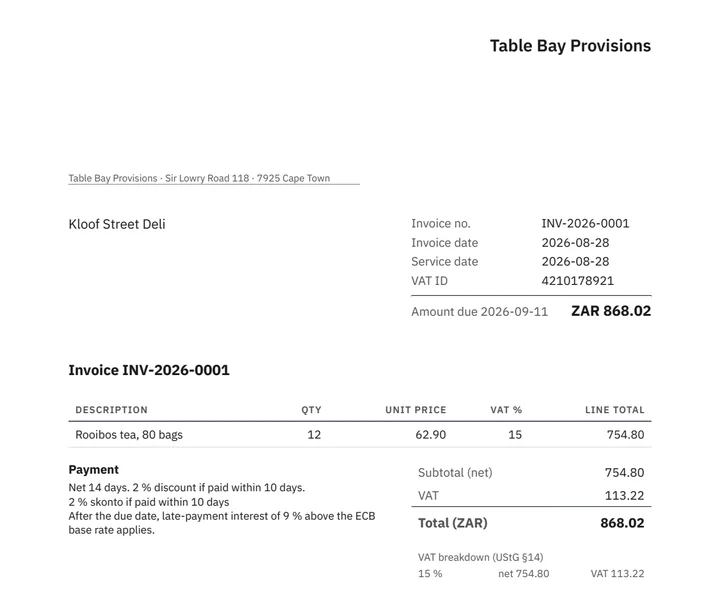
The PDF uses your own letterhead, footer and bank details. Choose English, German, French, Spanish or Portuguese for the labels in the invoice PDF. Your own item descriptions are not automatically translated. Each invoice carries one currency, chosen on the invoice.
Send it by email from Raccoon. You get a draft email you can edit first, and replies are kept with the invoice.

Or just tell the assistant
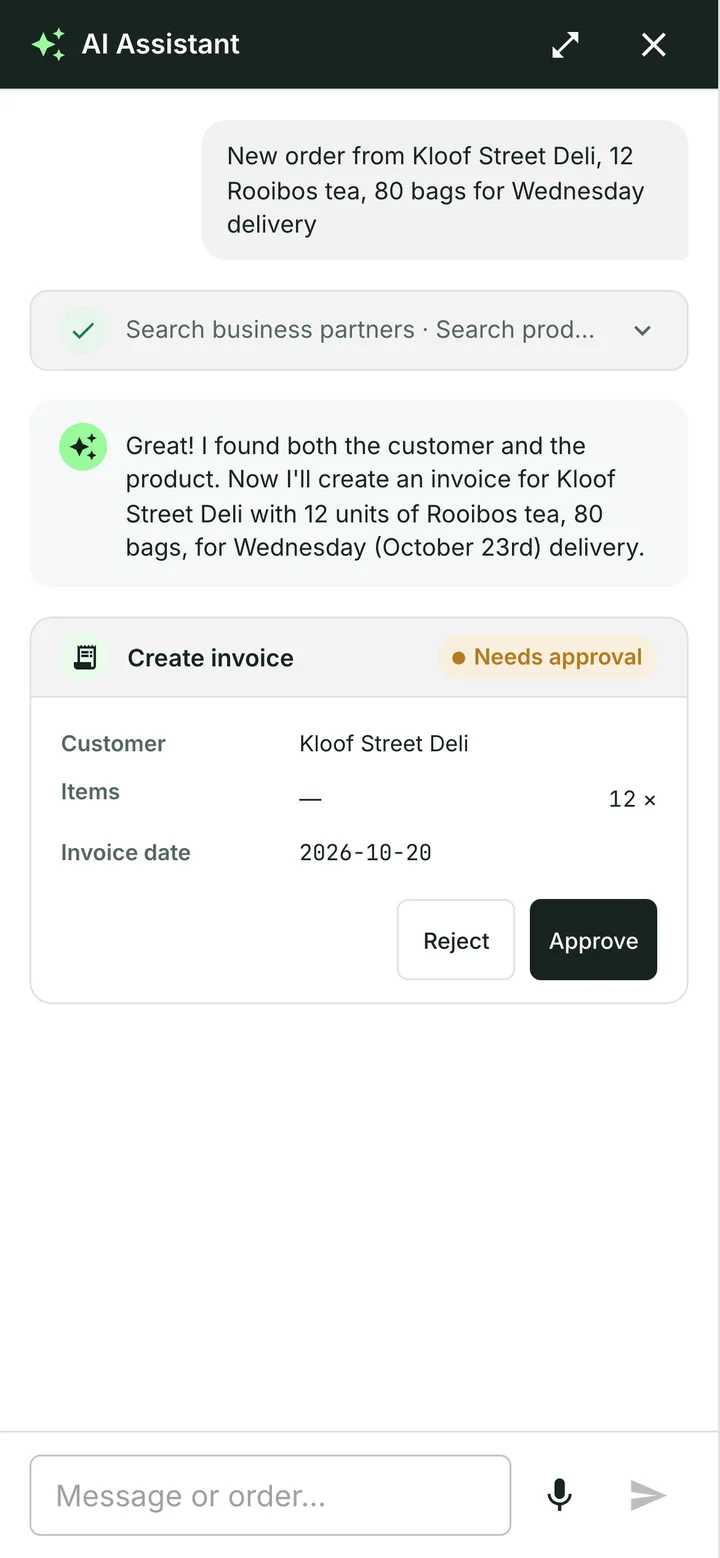
“Invoice Kloof Street Deli for twelve packs of rooibos.”
The assistant finds the customer and the product, prices the lines from your catalogue and shows you the draft. Nothing is created until you approve it.
How the assistant works
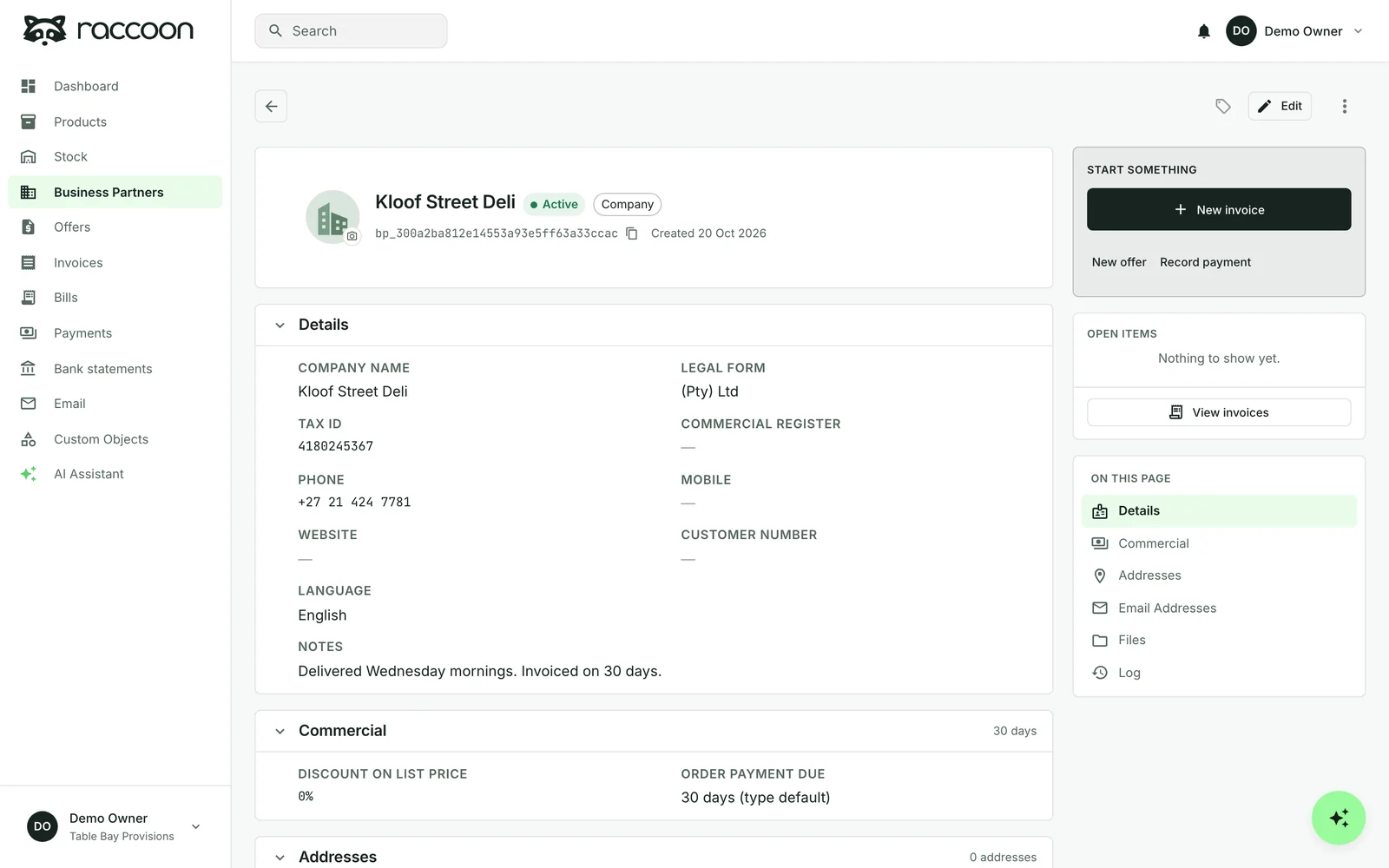
Customers, with what they owe
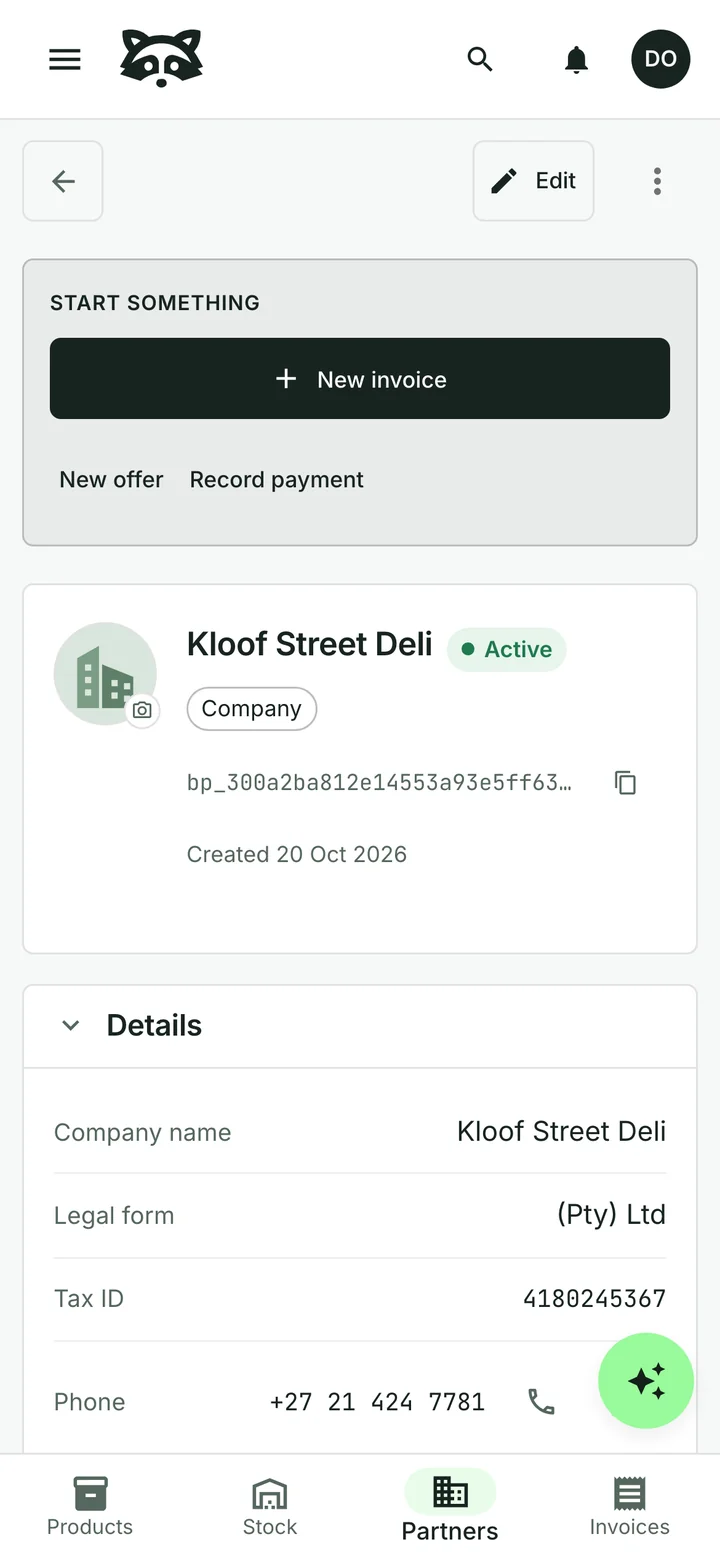
Keep people and companies with their addresses, tax numbers, payment terms and the language their invoices should use. EU VAT numbers are checked against the official VIES register in the background.
Each customer shows how many invoices are overdue and how much is still open. Ask for "customers with overdue invoices" and get the list, with filters you can adjust. Then record what came in and send a reminder.
Invoicing in your country
Tax numbers, currencies and how far e-invoicing rules apply differ by country. See what Raccoon does where you are:
Selling to businesses in Europe? Raccoon can add ZUGFeRD and UBL e-invoice files to your invoices.
Common questions
Can I see what each customer still owes?
Yes. Each customer shows how many invoices are overdue, the overdue amount and the open balance. You can also ask for "customers with overdue invoices" in plain words.
Can I change an invoice after creating it?
While it is a draft, yes. When you finalize an invoice it gets its number and its content is locked. You can still record payments against it.
Which currency and language can an invoice use?
Each invoice has one currency, chosen on the invoice. Invoice PDF labels are available in English, German, French, Spanish or Portuguese. Your own item descriptions are not automatically translated.
Can I start for free?
Yes. The free plan has no time limit and needs no credit card. Paid plans are billed monthly, with prices and limits shown for your country.
See plans and pricingTry it with your business
Start with a customer, a product or a supplier bill. The assistant can help you from there.