
Agree the work. Then invoice it.
Prepare a quotation, send it to your customer and keep track of their answer. Create invoices from the agreed items when you are ready to bill.
Start freeNo credit card. No time limit on the free plan.
Put your offer together
“Prepare a quotation for Acacia Partners for forty samosa platters.”
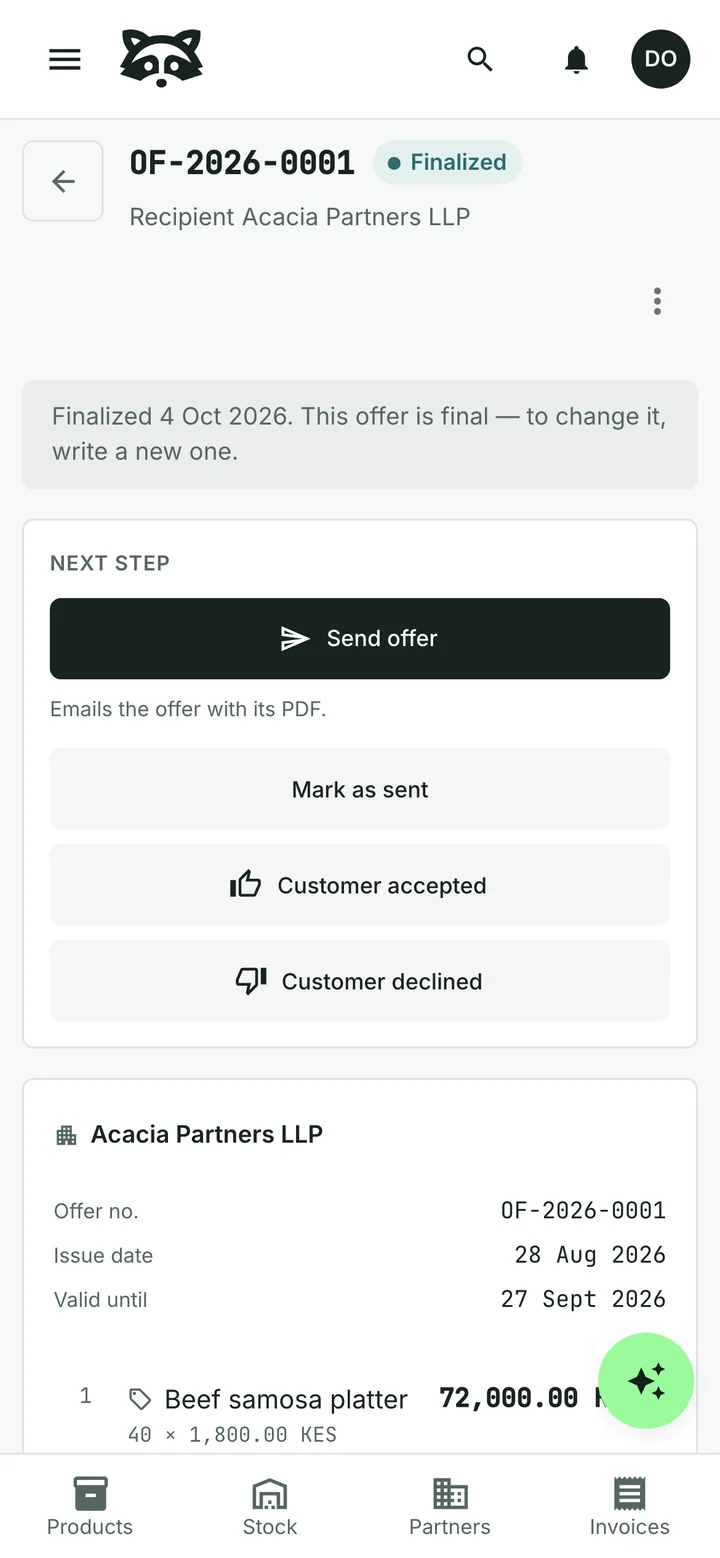
Choose products or services from your catalogue, adjust the quantities and prices, and set a valid-until date. Send a PDF with your own letterhead and quotation number.
Keep track of the customer’s answer
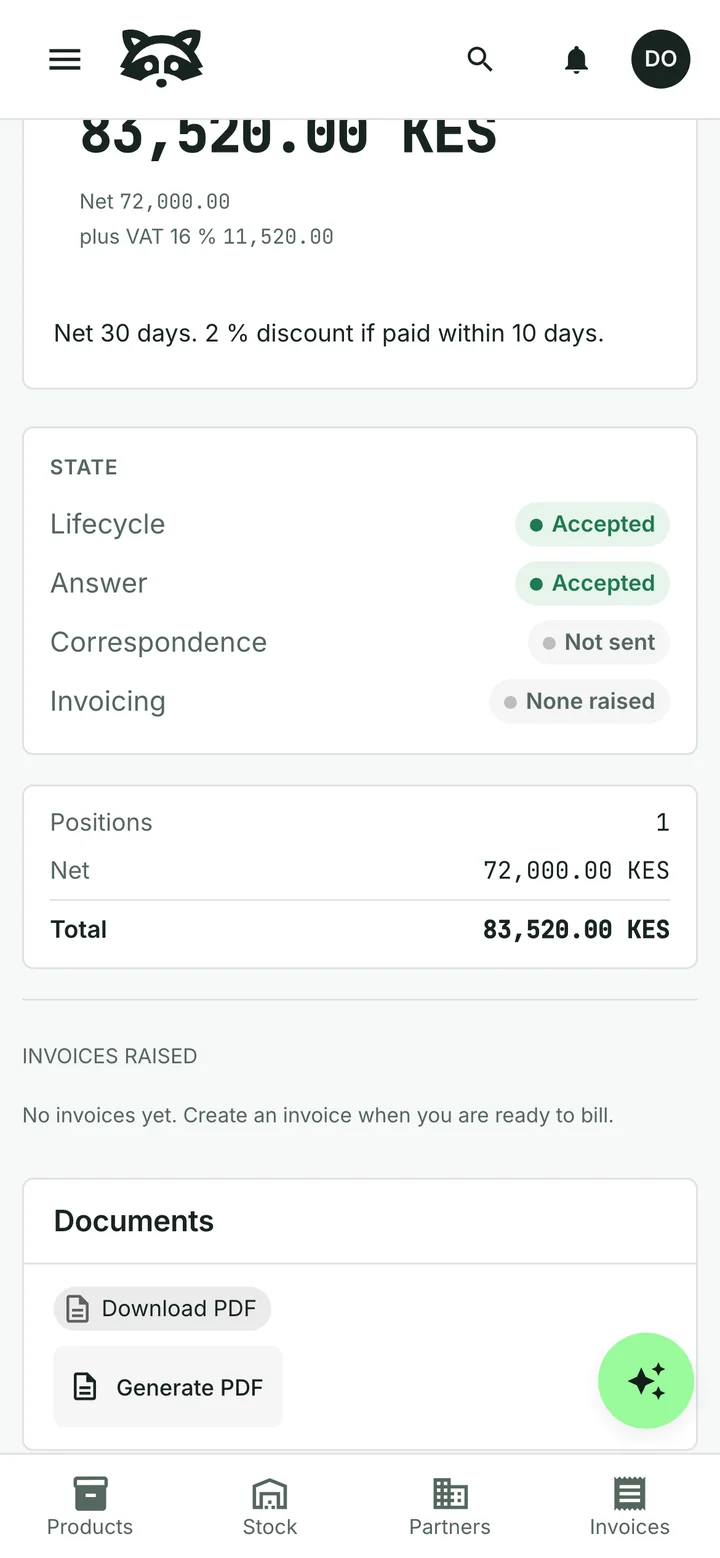
Record when the customer accepts or declines. You can see the quotation’s status and return to the document when it is time to do the work.
Invoice what you are ready to bill
Choose the items to bring into a new invoice. The customer and item details are carried over, ready for you to review.
One quotation can lead to several invoices. Accepting the quotation and issuing an invoice are separate steps, so you decide when billing starts.
See how this works for servicesCommon questions
Can the assistant prepare a quotation?
Yes. Ask for a quotation using your customer, products or services and quantities. Review the proposed changes before they are saved.
Do quotations have their own numbers?
Yes. Quotations have their own number sequence and a valid-until date, separate from invoice numbering.
Can I invoice only part of a quotation?
Yes. Select the quotation items you want to invoice. You can create further invoices from the quotation later.
Does the customer accept through a portal?
You record the customer’s answer in Raccoon. Sending a quotation does not provide a customer acceptance portal.
Can I start for free?
Yes. The free plan has no time limit and needs no credit card. Paid plans are billed monthly, with prices and limits shown for your country.
See plans and pricingTry it with your business
Start with a customer, a product or a supplier bill. The assistant can help you from there.