
Keep your shop in order
Know what is in stock, keep track of supplier bills and invoice customers who buy on account. Get help with the paperwork as you go.
Start freeNo credit card. No time limit on the free plan.
See what is on the shelf
Track stock in your shop and store room separately. Record deliveries, set reorder points and see what is available before promising it to a customer.
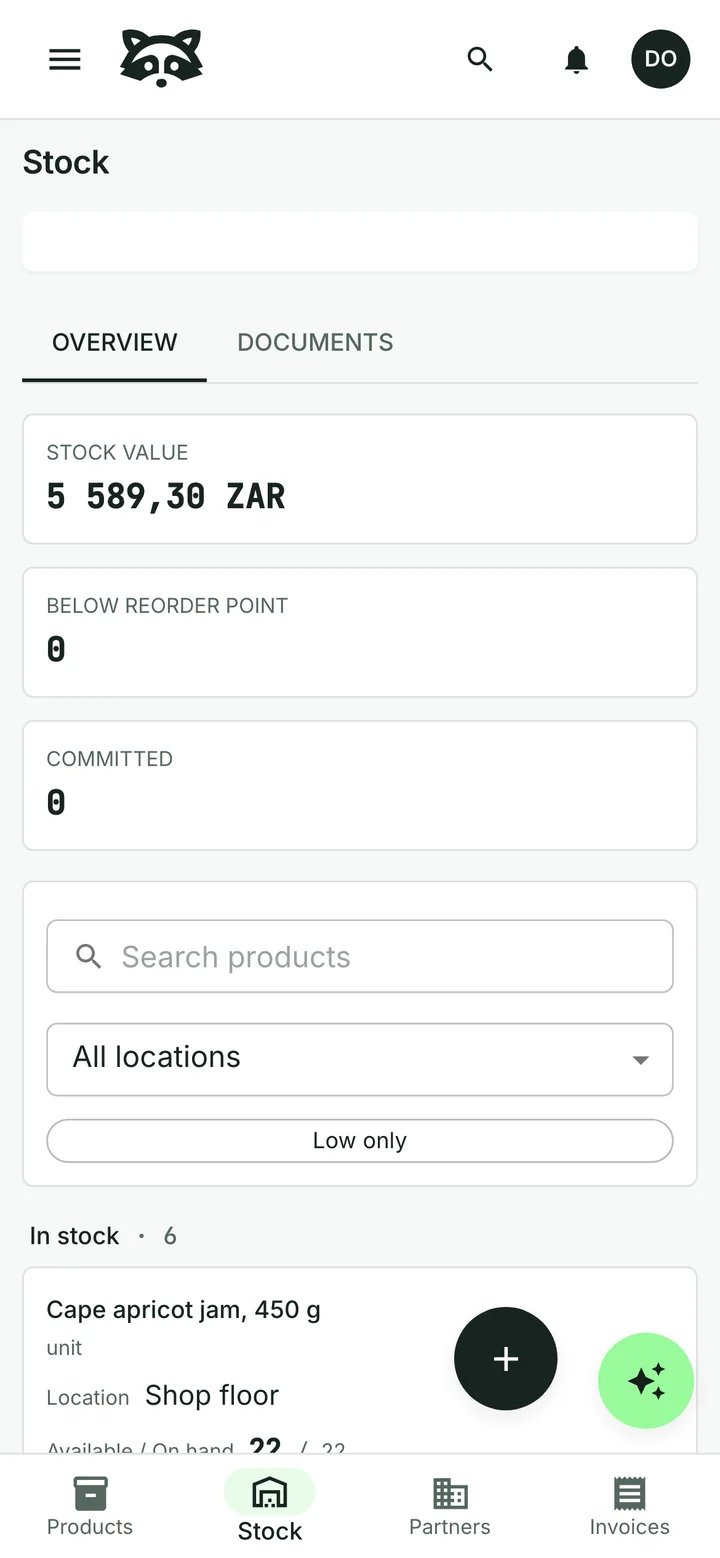
Count it, check it, update it
Enter what you count at each location. Raccoon shows the difference from the expected stock and records the adjustment when you post the stocktake.

Keep up with supplier bills
Upload the invoice that came with a delivery. The assistant reads the supplier details, items and totals for you to check against the original. Approve the bill when it is ready, then record the payment.
See how supplier bills work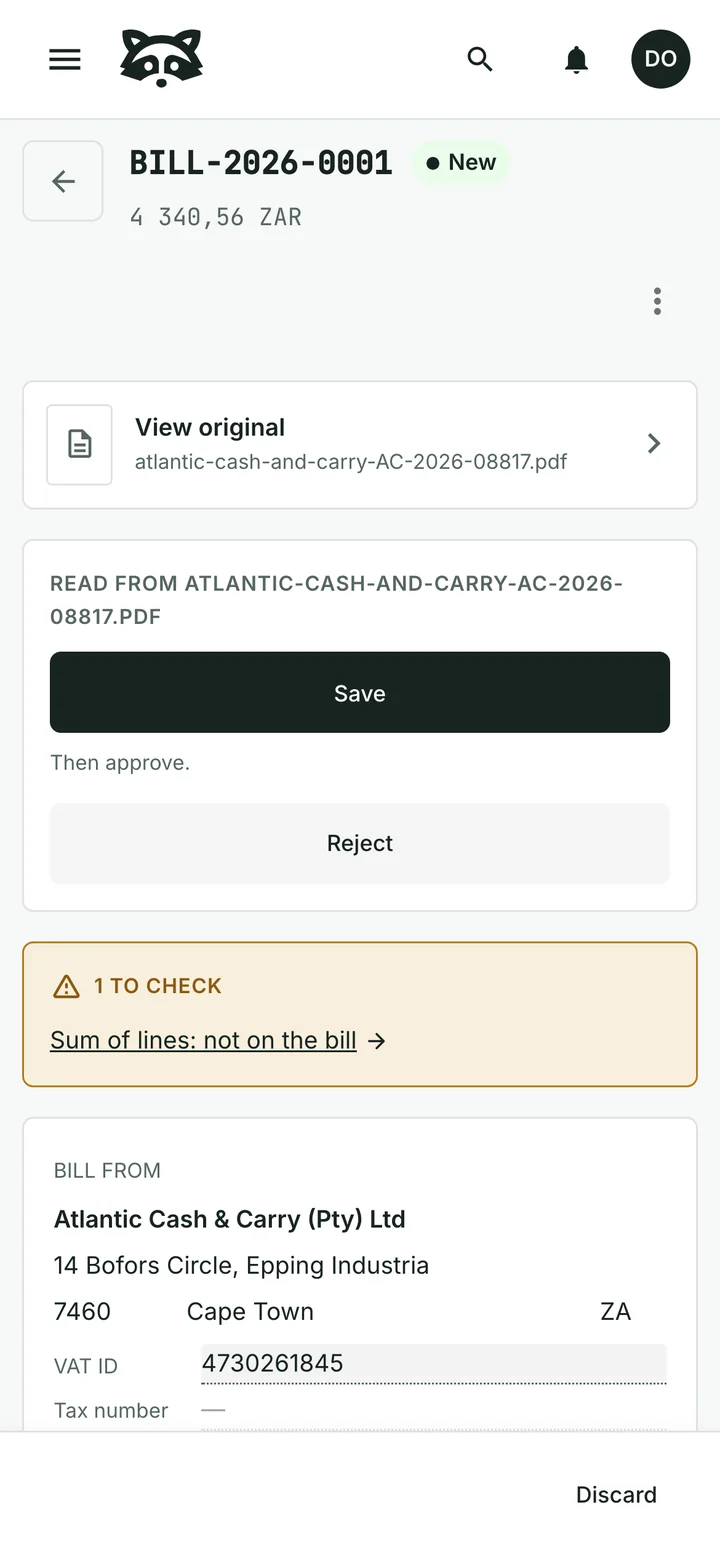
Invoice your regular customers
“Please prepare an invoice for Kloof Street Deli for twelve boxes of Rooibos tea.”
Keep customer details and payment terms ready for the next order. Ask for a draft, check it and send it. Record full or partial payments and see what is still owed.
The assistant can also prepare reminders for overdue invoices. You approve them before they are sent.
Common questions
Can I keep barcodes and supplier details?
Yes. Keep barcodes, supplier references, pack sizes and prices with each product. You can organise the catalogue around the goods you sell.
Does Raccoon replace my till?
No. Raccoon handles stock, supplier bills and invoices to named customers. It does not provide a point-of-sale or cash-register system.
Can I start for free?
Yes. The free plan has no time limit and needs no credit card. Paid plans are billed monthly, with prices and limits shown for your country.
See plans and pricingTry it with your business
Start with a customer, a product or a supplier bill. The assistant can help you from there.