
From your first quote to payment
Keep customers, prices, invoices and supplier bills together. Ask the assistant to prepare a draft from your saved details. You review and approve its changes.
Start freeNo credit card. No time limit on the free plan.
Agree the work, then send the invoice
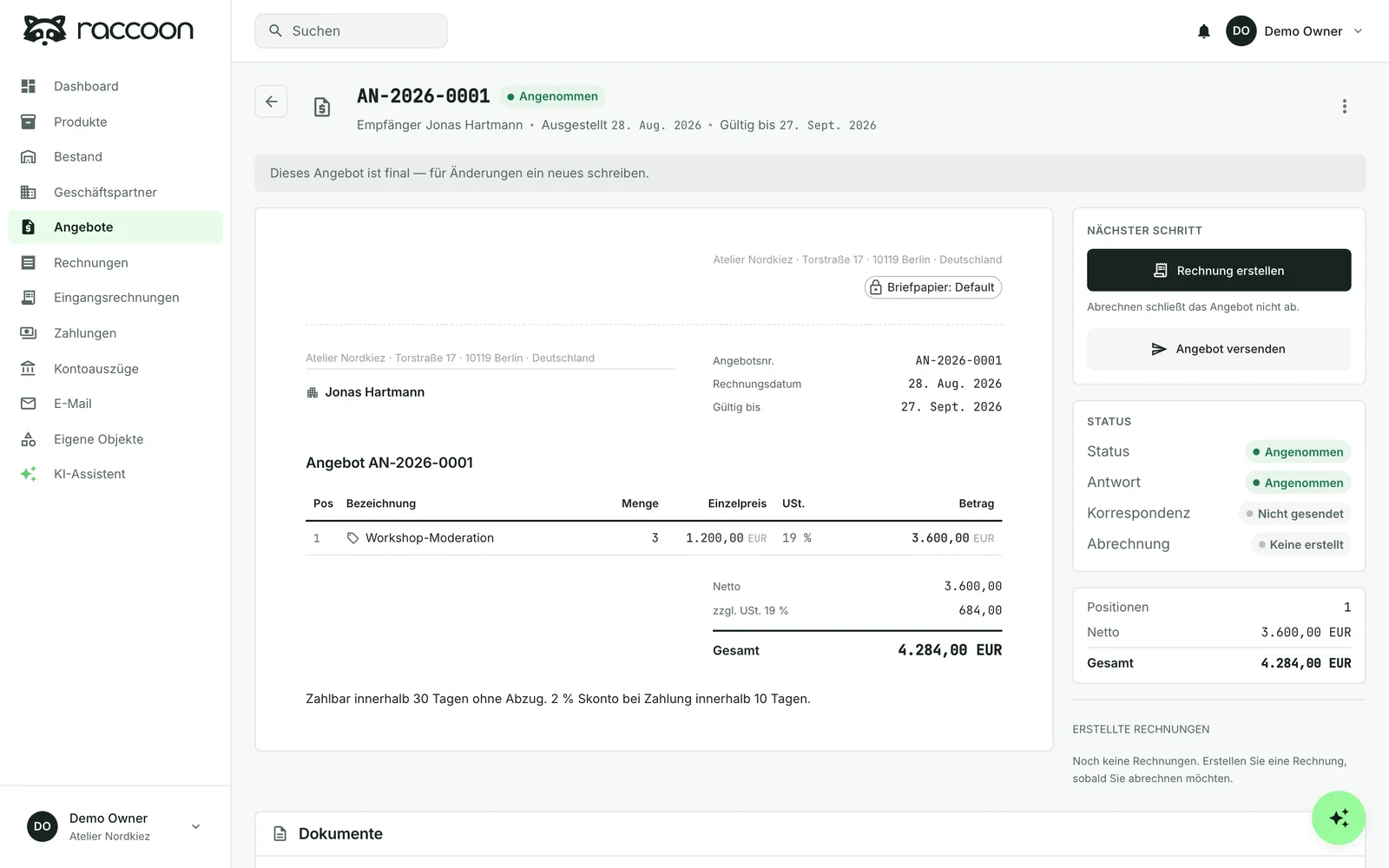
“Prepare a quote for three days of workshop facilitation.”
Send a quote with your own numbering and letterhead. Record the customer’s answer, then create invoices from the agreed items when you are ready to bill.
Invoice in euros or another currency, with one currency per invoice. Keep customer VAT identifiers and show VAT amounts on your documents.
Explore quotes and invoicing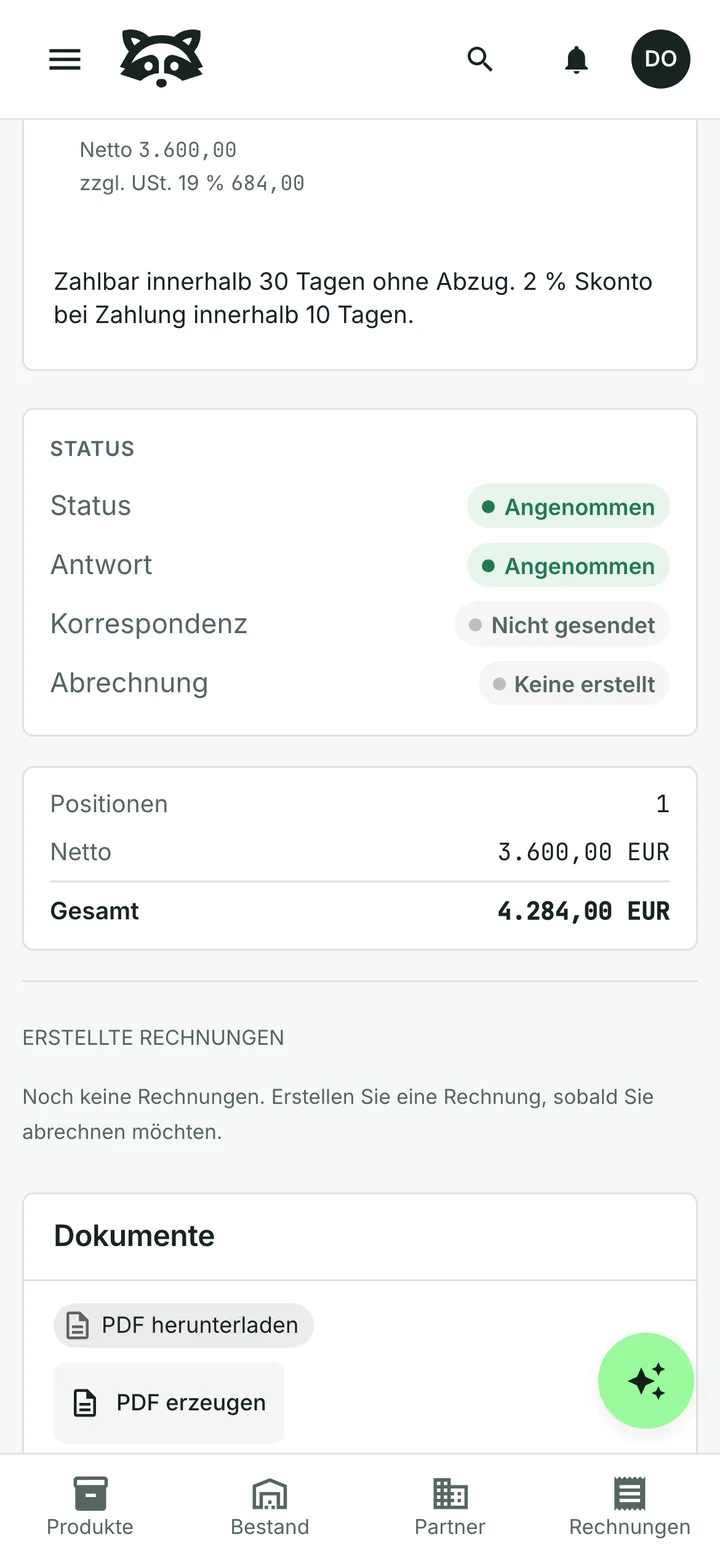
Keep incoming bills and payments in view
Upload a supplier PDF or structured e-invoice. Review the details Raccoon reads before approving the bill. If you sell goods, keep stock by location and create delivery notes.
Record customer payments, match partial payments and see the remaining balance. For euro bank transfers, you can add a girocode to the invoice. Import a camt.053 or camt.054 bank statement to match incoming credits.
Explore payments and remindersCommon questions
Does Raccoon cover every EU country’s e-invoicing requirements?
No. Raccoon creates ZUGFeRD / Factur-X PDFs and, when enabled, Peppol BIS Billing 3.0 UBL files. It does not send over the Peppol network or submit invoices to tax authorities. Check the format and delivery requirements that apply to your business.
See supported e-invoice formatsCan I receive an XRechnung?
Yes. Upload it as a supplier bill and review the extracted details. Raccoon does not generate XRechnung files.
Local details, in the language you choose
This guide covers the shared features in English. For more on Germany, read invoicing in Germany (in German). Your website language does not determine your business country or invoice currency.
Explore all countriesTry it with your business
Start with a customer, a product or a supplier bill. The assistant can help you from there.